Question one material assumption or compare the student’s stated criteria.
Curriculum + Own Mind Control Room · Grades 4–12
Not a worksheet with an AI box. Work somebody can use.
The Control Room turns knowledge into useful work: a guide, prototype, investigation, service, system or venture. Students make the first move, give AI one declared, bounded job if it helps—or keep it off—test the exact version and defend what they return with AI closed.
- AI starts optional
- First thinking stays visible
- Every make is designed to face a real test
- 01Act
- 02Delegate
- 03Verify
- 04Defend
The four-move method
Act → Delegate → Verify → Defend
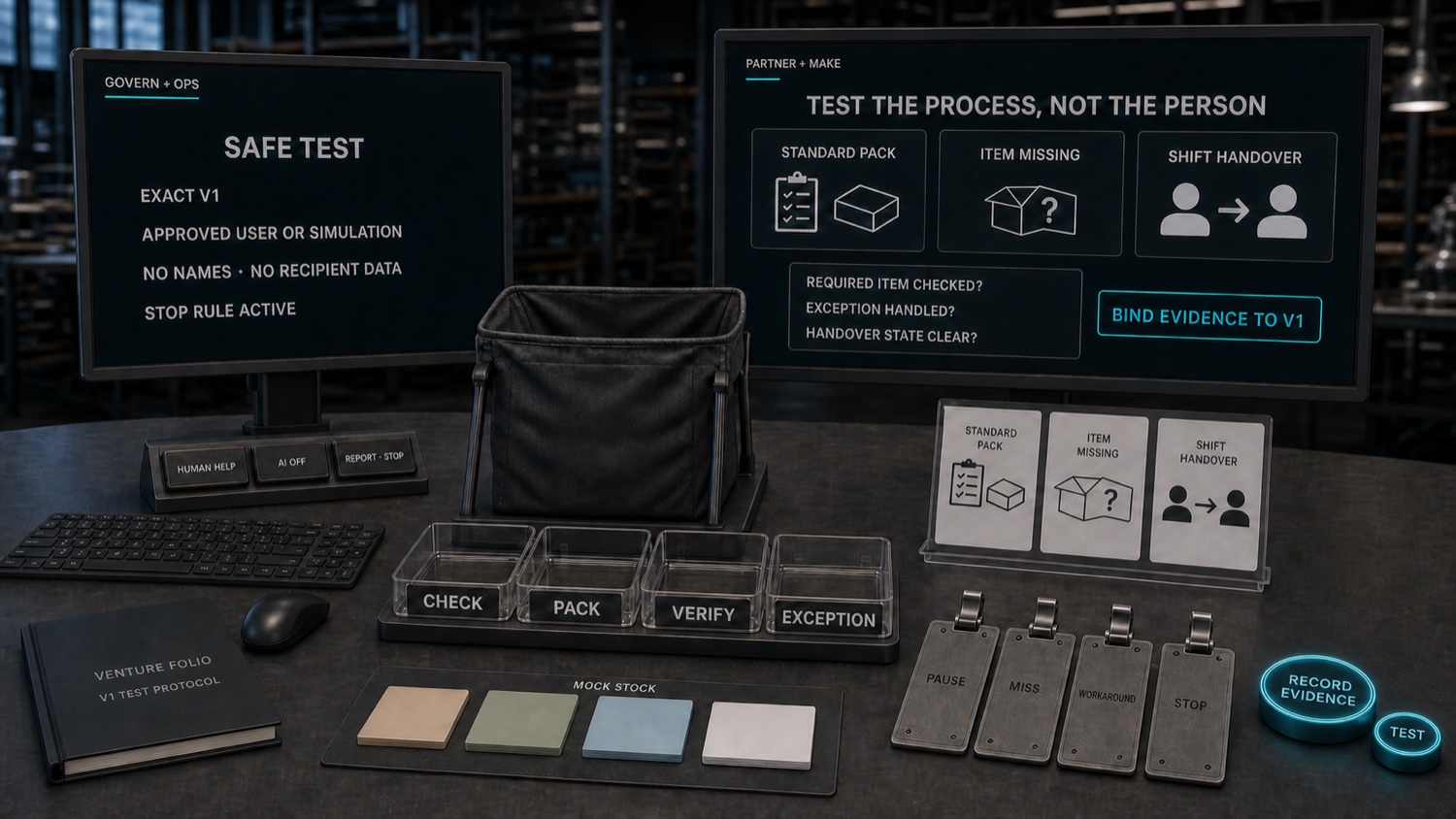
These are the only numbered method steps. The desk areas organize the workspace; they are not a second process. Students begin with knowledge, intent and a substantive first version. AI may take one declared job—or stay off. The student tests any contribution against evidence or reality, then explains the final decision with AI closed.
- ActComplete a meaningful subject action—a prediction, plan, sketch, calculation, interpretation or first decision—before asking for machine help.
- DelegateGive AI one declared job—a role, a source boundary and a stopping point—or choose the equal AI-off route.
- VerifyTest the exact contribution against evidence or reality, and state what still cannot be concluded.
- DefendKeep, change or reject the contribution, disclose it and explain the decisive work with AI closed.
Every project enters with five things named
Five project conditions. Four instructional moves.
The conditions define the work before it begins; Act, Delegate, Verify and Defend describe how the student moves through it. They are deliberately different.
- 01Person
- Name the real person or group the work is intended to help.
- 02Ownership
- Protect the decision the student must make and be able to explain.
- 03Machine boundary
- State one permitted AI job, its source boundary and where it must stop.
- 04Reality test
- Name the reader, source, rule, user or situation that will test the exact version.
- 05Responsibility
- Decide who receives the work, who maintains it and when it should be revised or closed.
The idea in one frame
The machine can change the material. It does not inherit the decision.
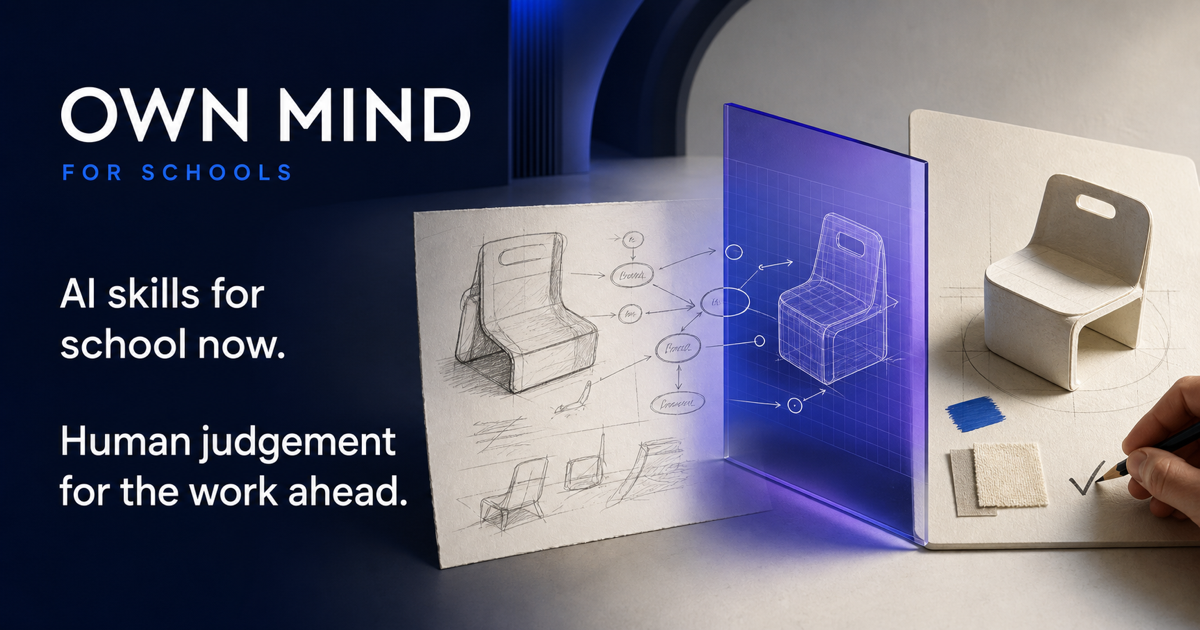
The student's first thinking remains legible on one side; the machine contribution is a labeled, translucent layer; the tested result returns to a person on the other. That custody is the product. The workspace is designed so teachers can inspect the student's intent, the machine's contribution and the decision that followed.
Seven project canvases · seven output families
Choose the canvas that fits the work. Name the value it creates.
The Control Room provides seven pluggable canvas types inside one shared environment—not seven separate products. A canvas supplies the right working tools; an output family names what the result gives back. Specialist tools can be linked rather than poorly rebuilt inside Own Mind.
Object · model · prototypeAI stays off until delegated
Act
Observe the need, sketch before generation and choose the design trade-off.
The intended user tries the actual prototype; access, failure and safety stay visible.
A tested object or model with care notes, known limits and a responsible owner.
Seven kinds of real work — each designed for a named user
Projects are designed to end in something a named person can use, test or take on—not a folder that closes when the lesson ends.
- 01Useful thing
A physical, digital or mixed object someone can genuinely use.
- 02Explanation or cultural work
A guide, model, exhibition, presentation, story, archive or teaching resource.
- 03Evidence-backed decision
A recommendation, options brief or bounded conclusion that follows from evidence.
- 04Service
A repeatable act of value with an owner, operating notes and a responsible close.
- 05Improved system
A tested change to a school or community process.
- 06Community contribution
Work shaped by listening, permission, feedback, revision and return.
- 07Own learning
A student-directed inquiry, learning asset, project or venture inside a teacher-governed envelope.
One shared environment · four age-shaped bands
The Control Room grows with the student.
The same Own Mind Control Room serves Discovery Lab, Build Studio, Proof Lab and Venture Studio. Younger students see one object and one decision at a time; older students can hold sources, responsibilities, tests, risks and handover together. The interface changes shape without changing the method.
- QUESTION
- BUILD
- PROVE
- OWN
Question it. Build it. Prove it. Own it.
QUESTION · Discovery LabGrades 4–5
A bright, tactile environment that reveals one object and one consequential choice at a time.
STUDENT QUESTION
Can someone use what I made without me beside them?
ONE DECLARED AI JOB
Point to one missing step in the student’s own first version.
- First-idea board
- Challenge tray
- Explain-back card
Grades 4–5 example: Helpful Instructions
BUILD · Build StudioGrades 6–7
A collaborative environment for sources, user needs and visible team handovers.
STUDENT QUESTION
Whose route through school is harder than it needs to be?
ONE DECLARED AI JOB
Summarize patterns in approved, de-identified feedback without inferring anyone’s needs.
- User-need board
- Source tray
- Team handover
Grades 6–7 example: Accessible School Guide
PROVE · Proof LabGrades 8–10
A serious build-and-test environment for requirements, exact versions and defensible decisions.
STUDENT QUESTION
Can a real, known person genuinely use this version?
ONE DECLARED AI JOB
Question one usability weakness in the student’s current version.
- Requirement rail
- Test bench
- Defense pack
Grades 8–10 example: Useful by Friday
OWN · Venture StudioGrades 11–12
A calm, evidence-led workspace for planning, testing and responsible handover.
STUDENT QUESTION
What does the evidence justify doing next—and who remains answerable?
ONE DECLARED AI JOB
Challenge one unsupported claim inside the approved project pack.
- Commitment board
- AI-role contracts
- Handover or close
Grades 11–12 example: Neighborhood Repair Exchange
The workspace is designed so the teacher sets the boundary, AI remains optional, and the record focuses on work and decisions rather than engagement scores or hidden profiles.
The interfaces above are illustrative product concepts, not evidence of a live account, live AI, student persistence or real-world outcomes. No scores, ranks, timers or progress ratios appear.
Four curriculum bands
The work grows up with the student.
Making begins with concrete usefulness and grows into contribution, venture, governance and responsible closure. Select a band, then inspect the named projects and the student-chosen Venture Studio capstone.
QUESTION · Discovery Lab · Core curriculum · six named projects
Helpful Instructions
Can someone use what I made without me beside them?
The student makesA drawn, built, spoken or printed instruction route with a student-owned first version.
Student-owned decision
How to sequence and explain the route so another student can actually use it.
AI’s one bounded action
AI may point to one missing step in the student’s guide. It may not make the guide.
Reality test
Watch a student try it and record the point where they pause.
Return and defend
Revise the guide and place an equal no-screen version in the class resource area.
What is actually included
The first three bands contain 16 named projects. Venture Studio adds two Grade 11 project routes and a student-chosen Grade 12 capstone inside its 12-part operating system.
QUESTION · Discovery Lab
- Helpful Instructions
- Machine or Person?
- Picture, Claim, Check
- Make It Easier to Use
- Stories With Choices
- Give Something Back
BUILD · Build Studio
- Image in Context
- Accessible School Guide
- The Missing Voice
- Evidence for a Decision
- Team Service Sprint
- Community Contributor Project
PROVE · Proof Lab
- Useful by Friday
- Better System
- Evidence to Action
- Venture Sprint
OWN · Venture Studio
- Grade 11Neighborhood Repair Exchange
- Grade 11Build a Lunch-Hour Service
- Grade 12Your Venture Capstone
OWN · Venture Studio · 12-part operating system
Older students learn to keep a complex project useful, safe and accountable.
In Venture Studio, students connect subject knowledge to a genuine need, plan resources, test evidence, set clear limits for AI and decide whether the work is ready to hand over, needs another revision or should stop. They learn to be answerable for the process as well as the final result.
Grade 11 students meet the operating system through Neighborhood Repair Exchange and Build a Lunch-Hour Service. In Grade 12, each student chooses a product, service, investigation or venture for the capstone, tests and revises the exact work, then defends the decisive choices with AI closed. School approval still governs any external contact, payment, dispatch or consequential AI action.
- Purpose
- People and stakeholders
- Proposition and value
- Team and accountable roles
- Product/service/experience
- AI roles and limits
- Evidence and experiments
- Finance and resources
- Operations
- Equity, ethics and impact
- Decision review
- Close, transfer or handover
One project, end to end
Accessible School Guide · the six-session project arc.
The six sessions are a project zoom-in—not a second method. The illustrative record is designed to let teachers inspect knowledge becoming a first version, bounded AI help, a real-world test, a meaningful revision and a responsible handover.
- Start from the right knowledge
- Students begin with a quick unmarked check. If it reveals a gap, the lesson gives a short explanation and another chance to try before the project continues—without making the final challenge easier.
- Use sources the class can trust and access
- Students work only with the school map, anonymous access audit and walkthrough notes selected by the teacher. The teacher confirms that each source can be used and shared before anything enters an AI tool.
- See quality before working independently
- Before independent work, students study a strong example, an annotated example and a weaker example. They then try two or three guided examples, with feedback on the specific mistake and another practice chance when needed.
- Leave decisions a teacher can inspect
- The illustrative record is designed to let a teacher compare the student’s first version, any AI contribution, the version tested, the change the student chose and the final AI-off explanation. A later AI-off check revisits important knowledge; a changed task is designed to test whether the student can select and adapt it in a new context.
Find + listen
- New learning
- The course retrieves prerequisites, teaches the situation and models how to distinguish a symptom, an assumption and an evidenced need.
- Student action
- Inspect a source, user account or observation; identify the affected person, purpose and constraint.
- Capabilities in use
- Problem-framing: separate symptom, assumption and evidenced need · Ethical judgment: identify who is affected
- What the teacher can review
- Retrieval response · evidence/assumption split · first problem frame
See the student’s work at this pointThe task, likely misunderstanding, AI limit and work kept for review
Begin with a genuine information problem.
A new student needs a reliable guide from reception to the library. Two polished AI answers disagree about the route, so confidence alone cannot decide what goes into the guide.
- Knowledge students use
- Question · intended user · what a reliable guide must establish
- Misunderstanding addressed
- “The more detailed answer is probably the right one.”
- AI skill practiced
- Treat an AI answer as a claim to investigate—not a source.
- Human capability practiced
- Problem-framing: define the real need and the decision that remains theirs.
- What the teacher can review
- Purpose · user · success criterion
Curriculum + The Control Room
Teach the knowledge. Then use it to make something genuinely useful.
The Control Room is the shared AI working environment across all four bands. Schools can start with the curriculum and The Control Room on their own, then add the Across Subjects route later if they want the same practice inside ordinary lessons.